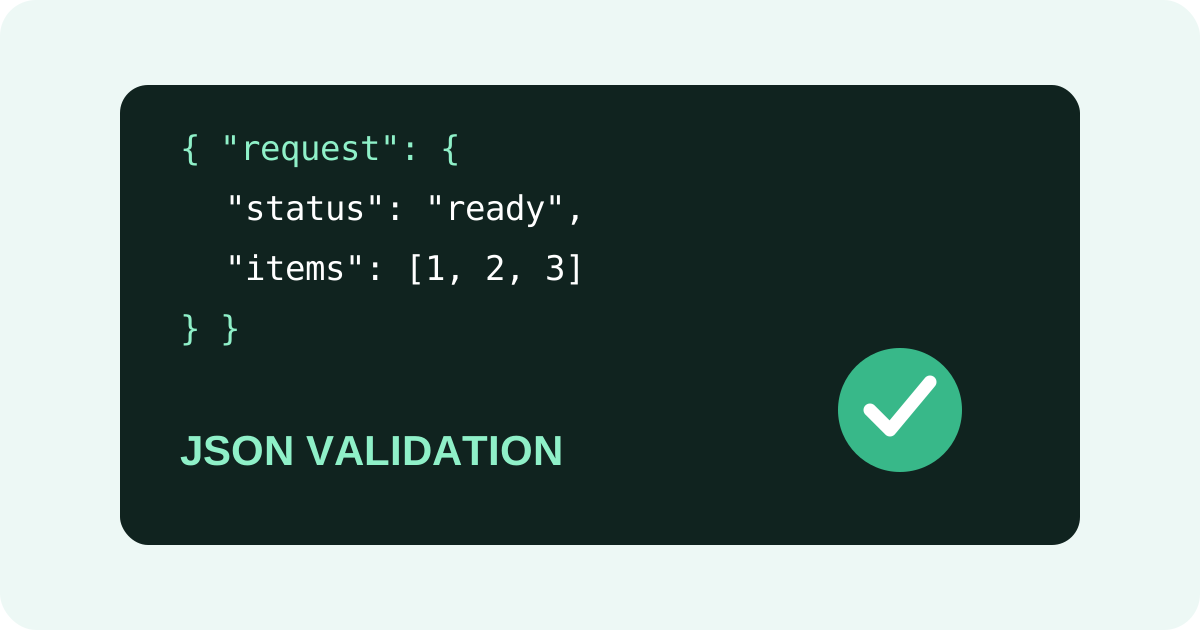
What valid JSON looks like
JSON objects use curly braces, arrays use square brackets, and object keys are double-quoted strings. Values can be strings, numbers, booleans, null, objects or arrays. Commas separate items but should not follow the final item.
Common problems to check
- Single quotes instead of double quotes.
- Missing commas between properties.
- Unclosed braces or brackets.
- Extra commas at the end of an object or array.
- Invalid values copied from another programming language.
Validate before sending the request
Keep the JSON payload small while debugging. Format it first so nested objects and arrays are visible. Then validate the complete payload and only after that send it to the API. This separates syntax problems from authentication, endpoint and server-side errors.
Why formatting and validation work well together
A formatter makes structure easier to inspect, while validation confirms that the structure follows JSON syntax. If a parser points to a particular character, inspect the nearby property and the item immediately before it too; the actual typo can occur slightly earlier.
Useful workflow
Paste your payload into the SmartToolz JSON Formatter, format it, correct the highlighted structural issue and validate the cleaned version before using it in your API request.
Before you send JSON
- Check the outer braces or brackets.
- Confirm every key uses double quotes.
- Check commas and closing delimiters.
- Validate the complete payload.
- Then test the API request.