What the Authorization header contains
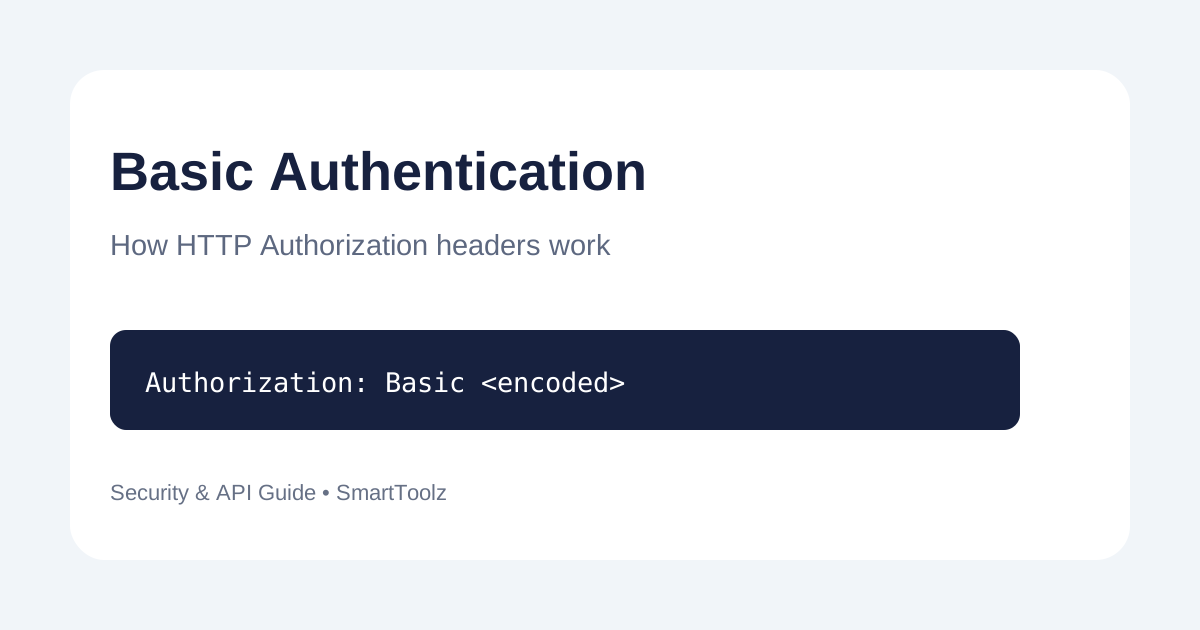
The usual form is Authorization: Basic <encoded-value>. The value after Basic is a Base64 representation of the credential pair. Base64 only changes representation; it does not make the credentials secret.
Why HTTPS matters
Because the credential can be decoded by a recipient who has it, Basic Authentication should be sent over HTTPS. TLS protects the connection while the request is travelling between client and server. Never treat Base64 as encryption.
Where Basic Authentication is useful
It can be appropriate for simple internal APIs, legacy services and controlled development environments when the API explicitly documents it. Modern systems may instead use API keys, OAuth or other authentication schemes, depending on the security model.
How to generate a Basic Auth header
- Open the SmartToolz Basic Auth Header Generator.
- Use test credentials while learning or debugging.
- Generate the header value required by your API client.
- Send it only over a secure HTTPS connection.
- Remove credentials from logs, screenshots and public code repositories.
Common mistakes to avoid
- Sending credentials over plain HTTP.
- Posting a real password into an online demo unnecessarily.
- Confusing Base64 encoding with encryption.
- Leaving Authorization headers in shared debugging logs.
- Using Basic Authentication when the API documentation requires a different scheme.
API testing checklist
Confirm the authentication scheme, endpoint, HTTPS requirement and credential format from the API documentation. Use a test account with the minimum required permissions, and rotate credentials if they are accidentally exposed.