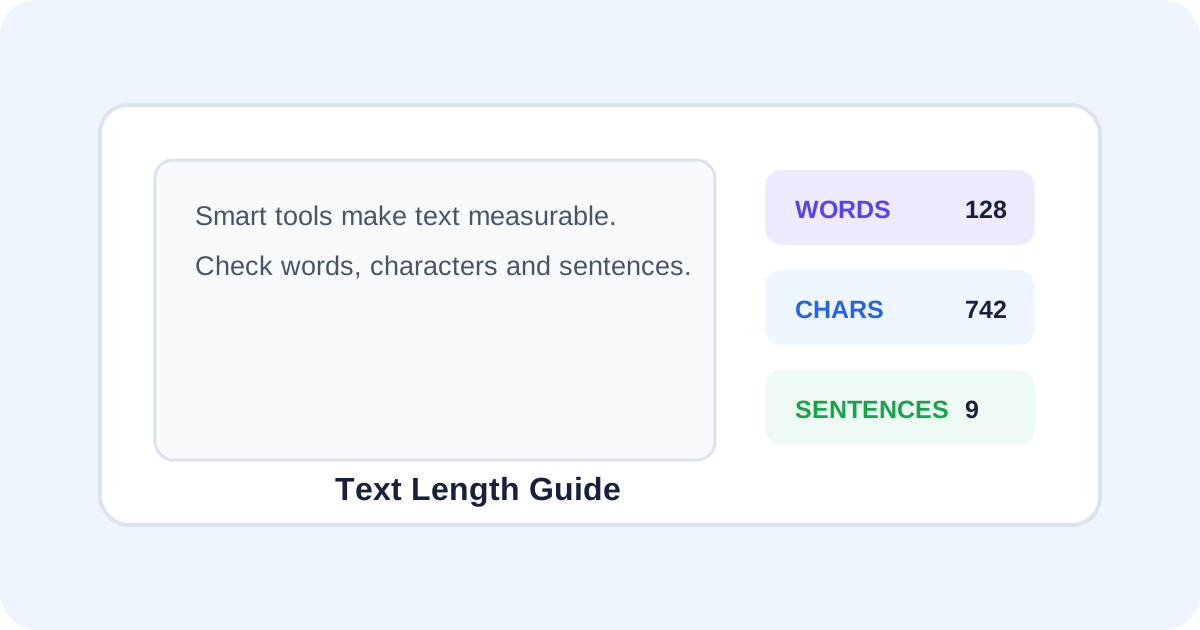
Word count versus character count
A word count measures units of text separated according to the counter's parsing rules. Character count measures individual characters. A sentence count estimates how many sentences are present based on punctuation and language rules. Because different applications implement these calculations differently, two counters can sometimes produce slightly different results.
Do spaces count as characters?
It depends on the metric. A character count including spaces treats spaces as characters; a count excluding spaces removes them before measuring. If a form says “characters,” check its definition before editing text to fit a limit.
Why punctuation affects sentence counts
Sentence detection is more complex than looking for every period. Abbreviations, decimal numbers, quotation marks and unusual punctuation can confuse a simple counter. Treat sentence count as a useful estimate unless the application uses a language-aware parser.
Common reasons to check text length
- Meeting an article or assignment word limit.
- Fitting a short description into a form.
- Checking a social caption before publishing.
- Comparing two drafts for length.
- Reviewing generated or edited text before submission.
How to count text online
- Open the SmartToolz Word Counter.
- Paste or type your text into the editor.
- Review the word, character, sentence and paragraph totals.
- Compare the relevant number with the limit you need to meet.
- Edit the text and check again until it fits without removing important meaning.
How to hit a word limit naturally
If you are above a limit, remove repeated ideas, unnecessary introductions and filler phrases first. If you are below a minimum, add useful explanation, examples or context instead of repeating the same point. The goal should be clear writing, not a particular number by itself.
Character limits need extra care
Character limits are often stricter than word limits because a few long words can use many characters while short words use fewer. When writing for a field with a fixed limit, leave a small safety margin because the destination may count punctuation or spaces differently.
Useful workflow for content editing
Draft first, then measure. Once the content is close to the target, remove redundancy and improve clarity. Checking the count after each meaningful edit prevents surprises when the final text is pasted into another application.
Privacy-friendly text checking
Do not paste confidential information into an online service unless you understand how it handles the text. For ordinary public copy, a browser-based word counter can make quick length checks convenient.
Need a quick measurement? Use the SmartToolz Word Counter directly in your browser.