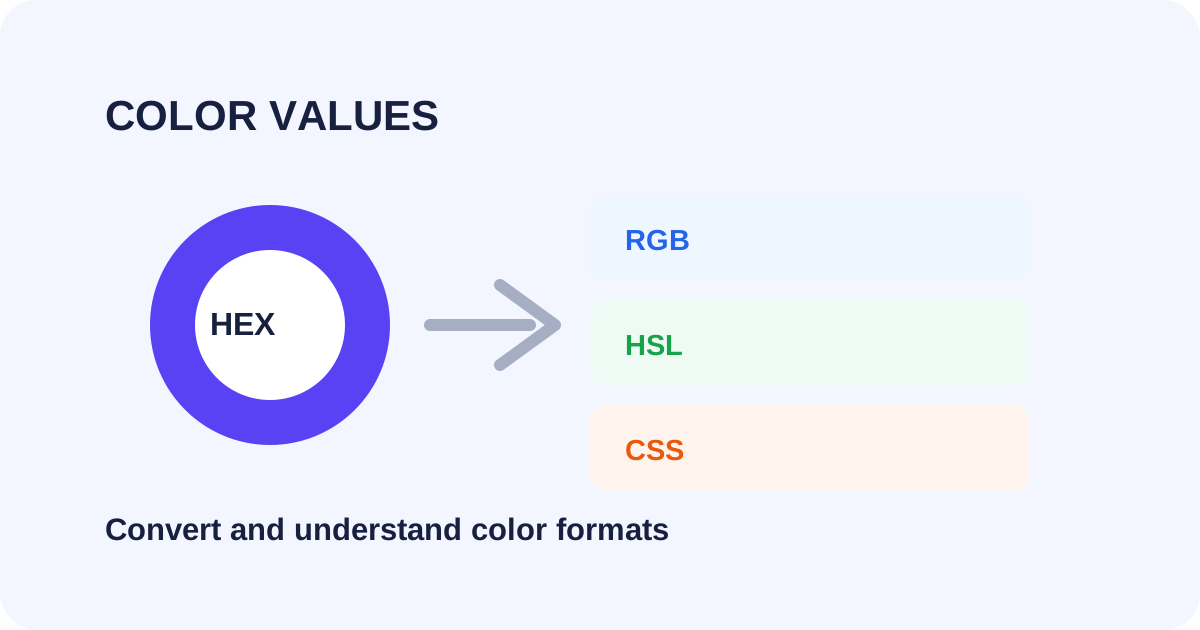
What is a HEX color?
A HEX color is commonly written as a six-digit hexadecimal value such as #3366CC. The pairs represent red, green and blue channel values using hexadecimal notation. HEX is popular in CSS because it is compact and easy to copy into a stylesheet.
What does RGB mean?
RGB describes a color using red, green and blue components. In the familiar 0–255 form, rgb(51, 102, 204) represents the same channels expressed as decimal numbers. RGB is useful when you need to reason about individual channel intensity.
What is HSL?
HSL stands for hue, saturation and lightness. Hue describes the position around the color wheel, saturation describes how strong or muted the color is, and lightness controls how light or dark it appears. HSL can be convenient when adjusting a color systematically in CSS.
Why convert between formats?
A design handoff might provide HEX while a developer wants RGB or HSL. A component library may also use HSL values because changing lightness or saturation is convenient. Conversion lets you keep the same underlying color while using the representation best suited to the task.
How to pick and inspect a color
- Open the SmartToolz Color Picker.
- Choose the color visually or enter a known color value.
- Review the available HEX, RGB and HSL representations.
- Copy the format required by your CSS or design workflow.
- Preview the color in its final context because surrounding colors can change how it appears.
HEX to RGB conceptually
Each HEX pair corresponds to one RGB channel. For example, #FF0000 has the maximum red channel and zero green and blue, producing pure red. #00FF00 represents pure green, while #0000FF represents pure blue.
When HSL is especially useful
HSL can make variations easier to describe. You can keep the hue similar while making a color lighter, darker, more saturated or more muted. This can be helpful for hover states, backgrounds and accessible UI palettes.
Color values do not guarantee accessibility
Two colors that look attractive individually may have poor contrast when used together. After choosing a text and background color, check the contrast in the actual interface. Do not rely only on the color format or a visual preview.
Keep a consistent design system
Pick a primary representation for your project and document it. Converting values is useful during handoff, but a shared palette with named roles such as primary, surface, border and text makes a design system easier to maintain.
Quick checklist
- Use HEX for compact CSS color values.
- Use RGB when channel values are useful.
- Use HSL when hue, saturation and lightness adjustments help your workflow.
- Preview colors in context.
- Check text contrast separately.
Need a quick conversion or color value? Try the SmartToolz Color Picker.